
How to Choose Your Coverage Areas: Cities vs. Neighborhoods
Cities or neighborhoods? Learn how LocalCite coverage areas work, what spots and sold-out mean, and how to build a market that earns local search traffic.
Your coverage areas decide what LocalCite writes about. Every article is about a place you picked, so a thoughtful selection pays off in articles that match how people actually search. This guide explains how areas work and how to build a selection that fits your business.
Cities and neighborhoods: what you can pick
LocalCite sells two kinds of areas:
Whole cities. An article about a city covers its overall character, popular places, getting around, and everyday living.
Whole neighborhoods. Neighborhoods are based on Census tracts, so they are real, mapped parts of a city. Articles about them are narrower and focus on that part of town.
You can't pick part of a city or draw your own shape. And a ZIP code isn't something you buy: it's a search term that moves the map so you can find the right city or neighborhood quickly.
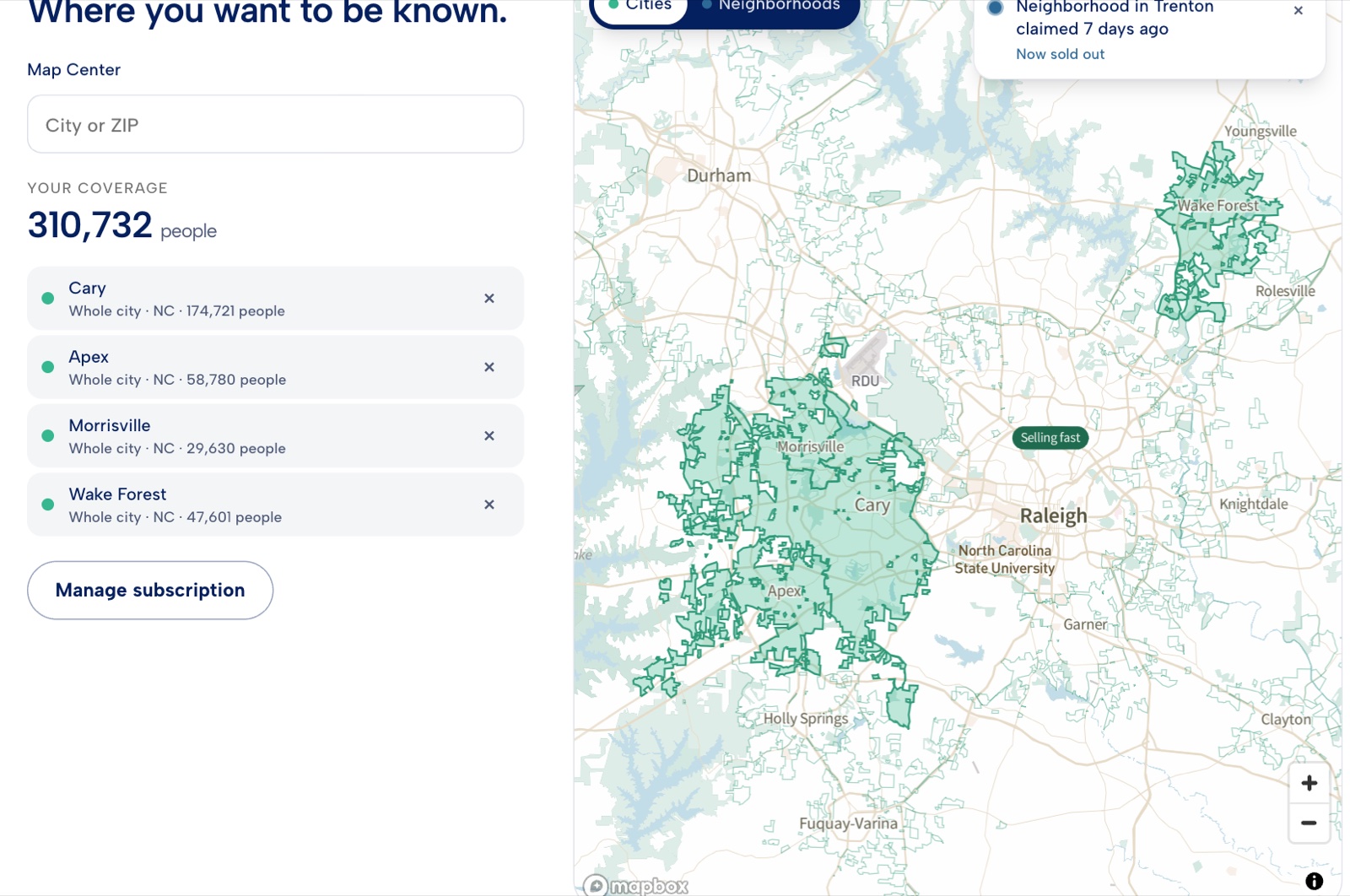
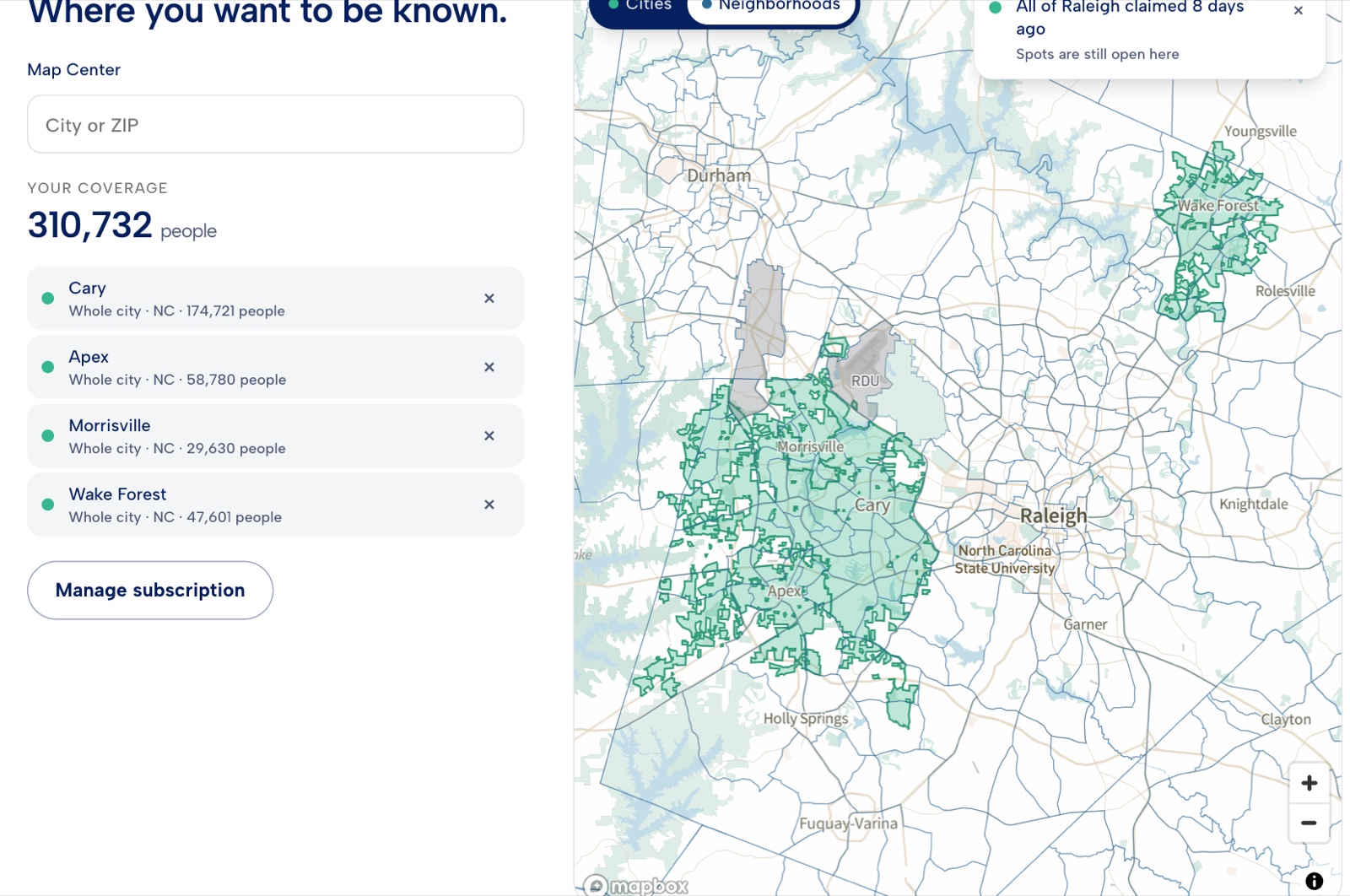
Switch the map to Neighborhoods and the same area breaks down into small, real parts of town. Cities you cover appear shaded, and neighborhoods that are already full appear in grey.
Which one is right for you?
Neither is better. They answer different searches.
Pick a city when:
You work the whole town and want broad topics, like cost of living, commuting, or best places to eat.
Your clients usually ask about "moving to [city]."
Pick neighborhoods when:
You have a farm area you know block by block.
You specialize, for example in one part of a large city.
You want articles that sound like they were written by someone who lives there, because they get specific about nearby places.
Mix both when you want broad pages for the city and detailed ones for the neighborhoods you win most business in.
What the map's labels mean
Each area has a limited number of spots, based on how many people live there. That keeps any one area from being covered by too many agents. The map tells you where things stand:
Open. Spots are available.
% taken. Shown in steps of 25%, starting at 25%.
Selling fast. A spot was taken in that area recently.
Sold out. Every spot is held.
If a city or neighborhood you want is sold out, click it and choose Notify me. When a spot opens, everyone confirmed on the waitlist gets an email once, with a link to claim it. If you're not signed up yet, you'll confirm your email first.
Rules that shape your selection
A few rules explain why the map sometimes won't let you pick something.
1,000 people minimum. An area with fewer than 1,000 people can't be picked. Your selection also needs to reach at least 1,000 people in total, so one larger area works on its own.
Up to 200 areas. Most agents will use far fewer.
No overlapping picks. If you pick a whole city, you can't also pick a neighborhood that sits entirely inside it. A neighborhood that reaches beyond the city limits can still be picked.
The 75% rule. If you pick more than 75% of a city's neighborhoods, the map switches you to the whole city. Exactly 75% is allowed.
How many areas should you pick?
More isn't always better. Your articles arrive weekly, and your roadmap spreads topics across your areas, so a very large selection means each area gets articles less often. A good starting point:
Start with your core market. The city or couple of neighborhoods where you already get most of your business.
Add one stretch area you'd like to grow in.
Wait for results before expanding. Local content builds slowly, and about three months is a realistic window for an area to start paying off.
Changing your areas later
You can add or remove areas any time in Your market.
Adding. The spot is yours as soon as you save, so nobody else can take it. Articles for the new area begin once your next bill is paid.
Removing. The area stays covered until the end of your current billing period, and then its spot opens for others and its waitlist is emailed.
Before you save, LocalCite shows you what will change and asks you to approve it.
Because results take time to build, think twice before dropping an area. If you remove it and want it back later, someone else may have taken the spot.
Frequently asked questions
Can I pick a ZIP code? No. Searching a ZIP moves the map, but you pick the city or neighborhood it's in.
What happens if I pick too many neighborhoods in one city? Once you cross 75% of a city's neighborhoods, the map switches your selection to the whole city.
Can two agents cover the same area? Yes, up to the number of spots the area has. Spots are limited so an area is never oversold.
What if my area is sold out? Join its waitlist with Notify me. You'll get an email the moment a spot opens.
Do my neighborhood articles mention real places? Yes. For cities and neighborhoods, the writer looks up well-reviewed local places nearby, so articles can talk about real restaurants, parks, and shops instead of generic filler.